
Productivity
Payments, people, bookkeeping, calendars, QR tracking, credentials and room to grow.
Bought once for the business, not per person. Free while your 90-day trial runs, or for the first 7 days if added later. Prices shown in US dollars, based on your location.Prices shown in Canadian dollars, based on your location.
AysOps Payments with Stripe
Take money without leaving the invoice.
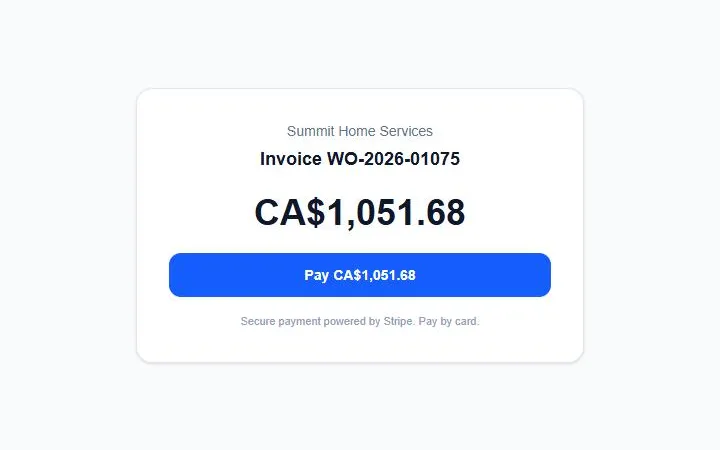
- A "Pay now" link on any invoice: card, or bank (ACH in the US, pre-authorised debit in Canada)
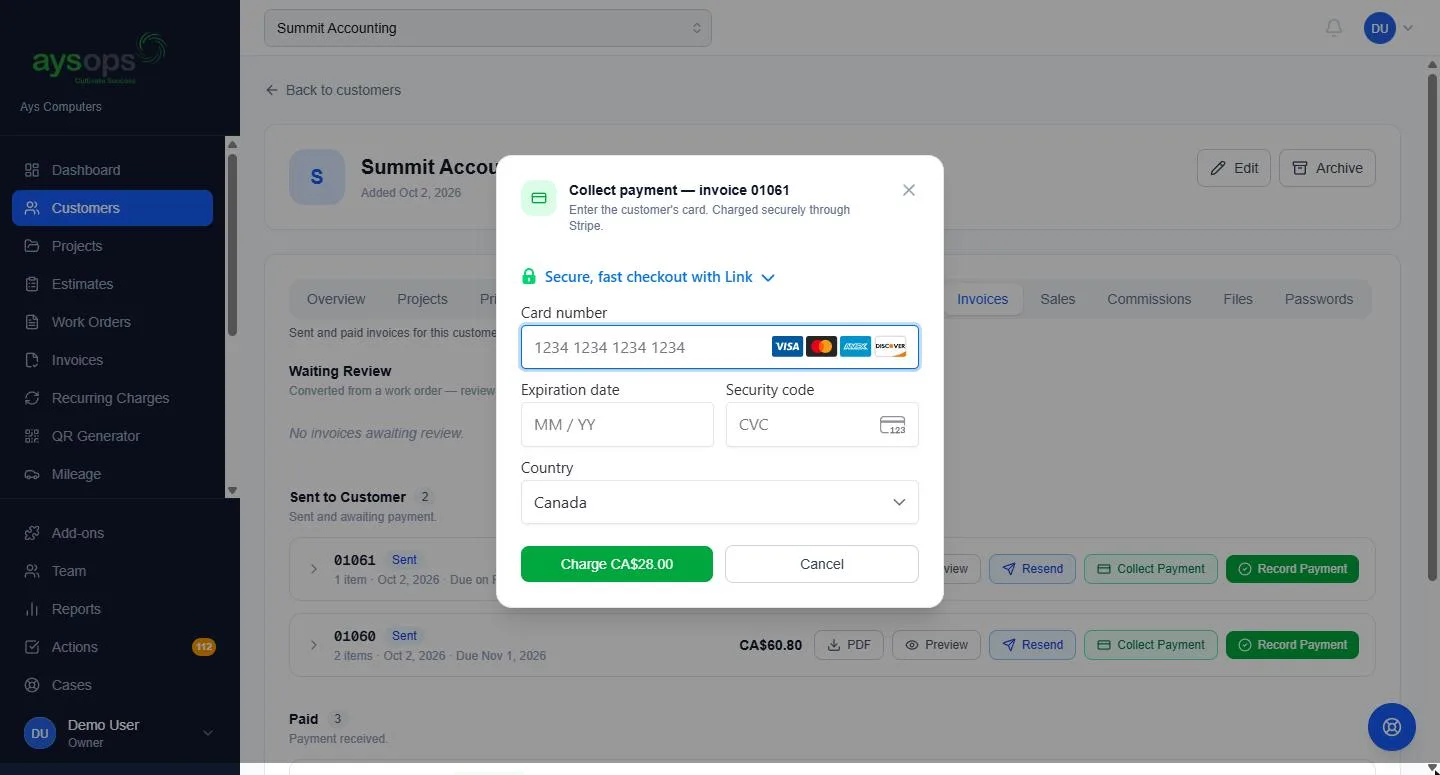
- Take a card yourself — press Collect payment on an invoice and key it in, over the phone or at the counter
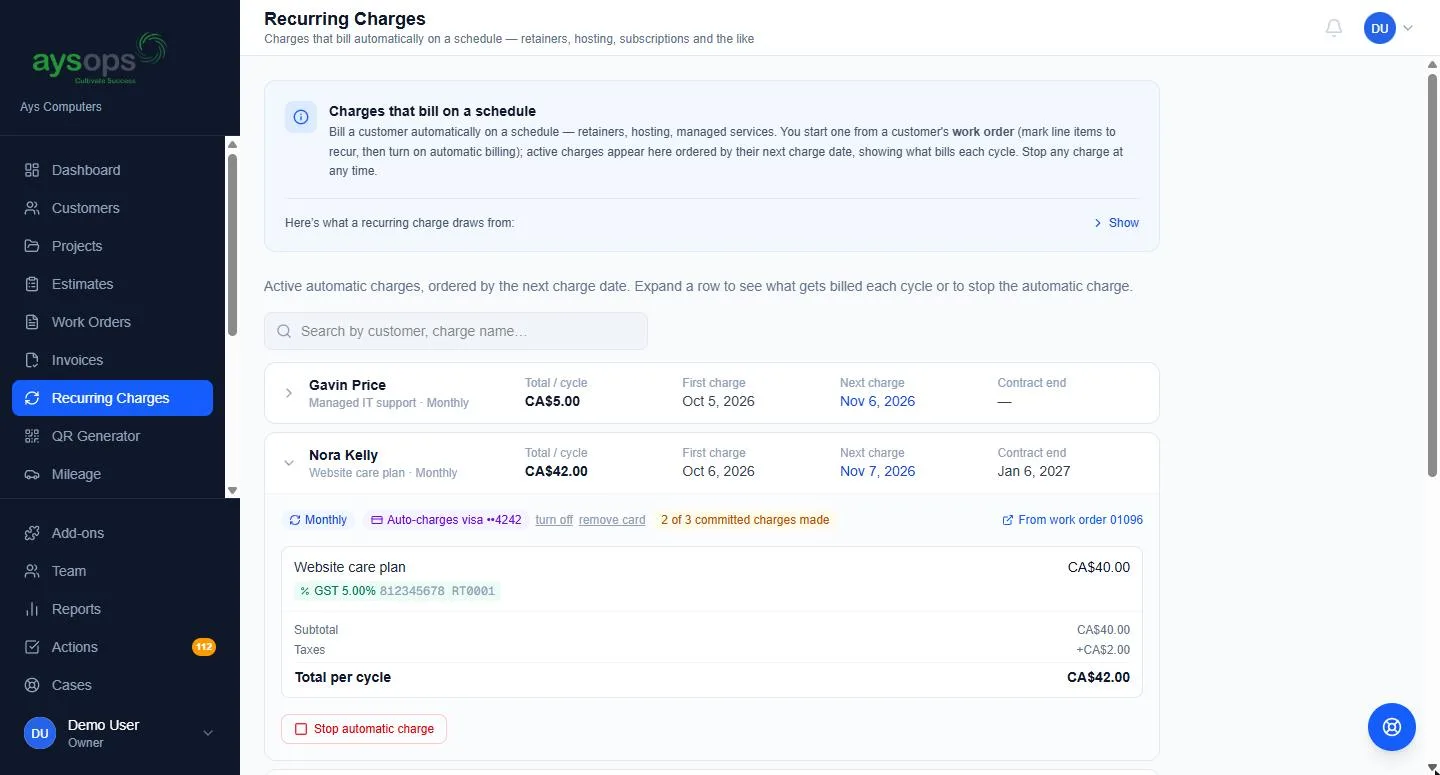
- Autopay on recurring invoices — the customer consents once, their card is saved, and each cycle is charged automatically. Their email says which card and what date; a decline sends the ordinary pay link instead. After a part payment, autopay charges only what is left
- Sell online with a Buy button — put a "Buy now" button for a product, service or plan on your own website. Plans are bought with autopay
- Partial payments tracked against the balance
- Stripe's processing fees logged as an expense automatically
- A receipt to the customer on every payment, including cash, cheque and e-transfer entered by hand
- An email the moment a deposit is paid, with the amount and a link to the job
- Payouts go straight to your own Stripe account — you are the merchant
- Online payment can be switched off for any individual invoice
Free to enable; 0.4% per transaction with no minimum, plus Stripe's own fees. Right now, new accounts pay 0% in AysOps fees — only Stripe's own. Our fee is capped at $5 on bank payments.
AysOps Teams
Bring people in without handing them the keys to everything.
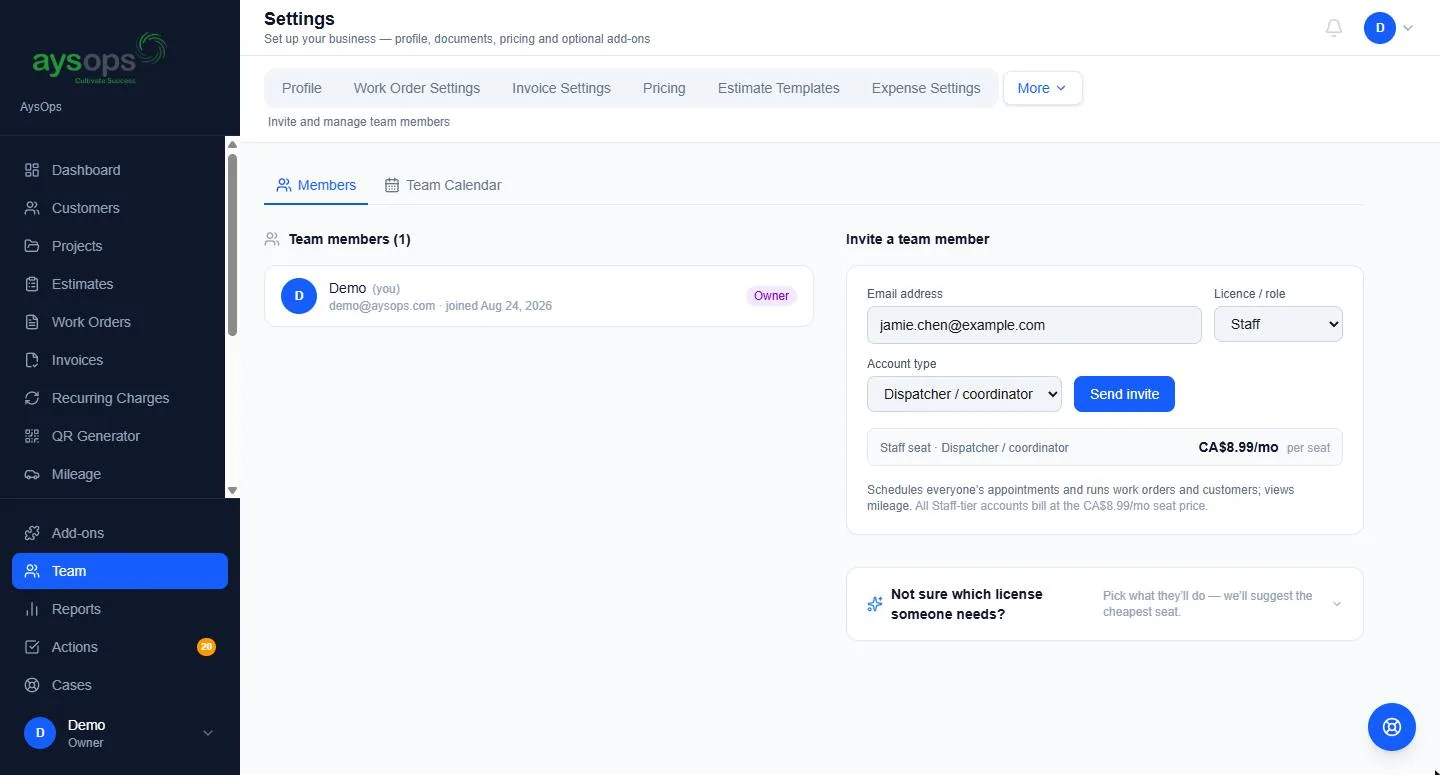
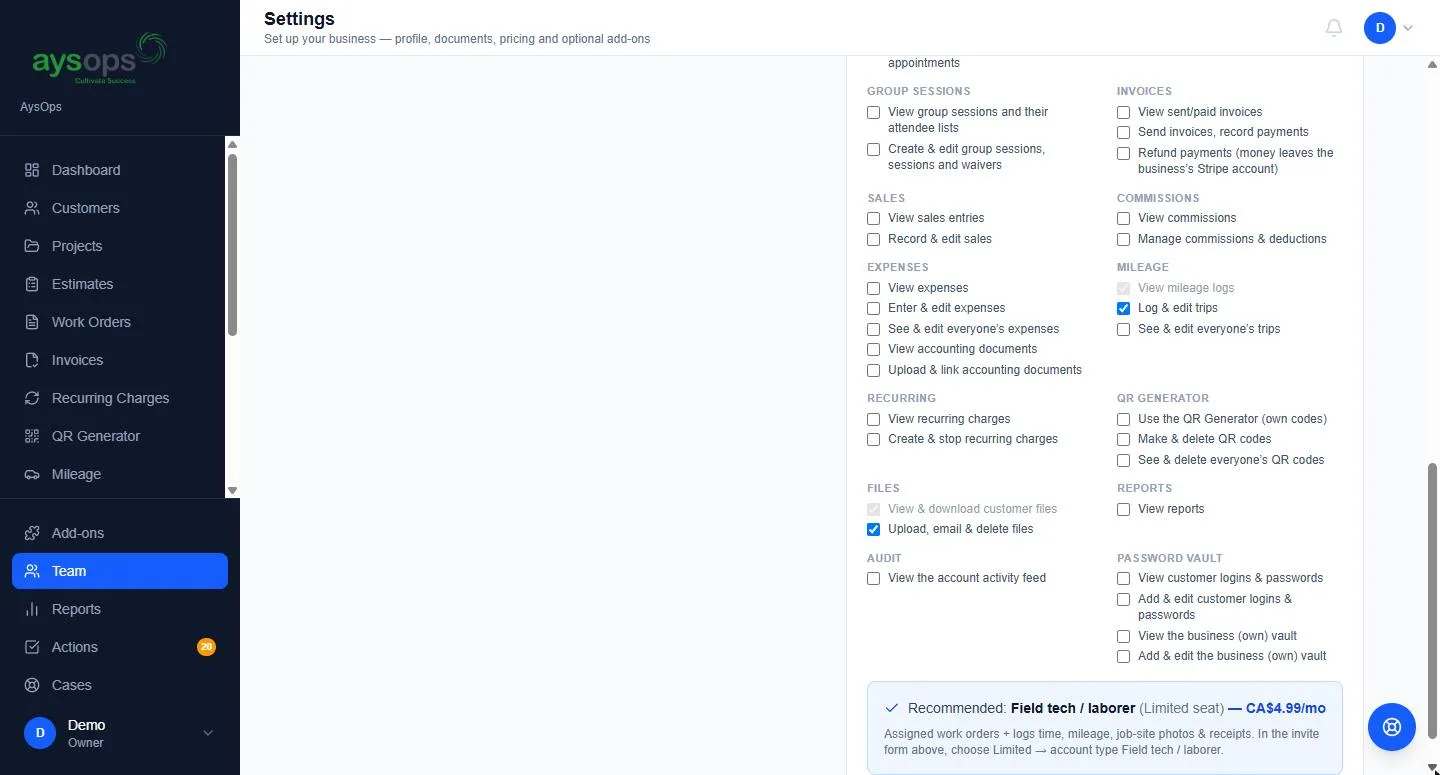
- Account types — Driver, Field tech, Receptionist, Dispatcher, Sales, Subcontractor, Viewer, Manager, Administrator. Pick one at invite and it sets their permissions
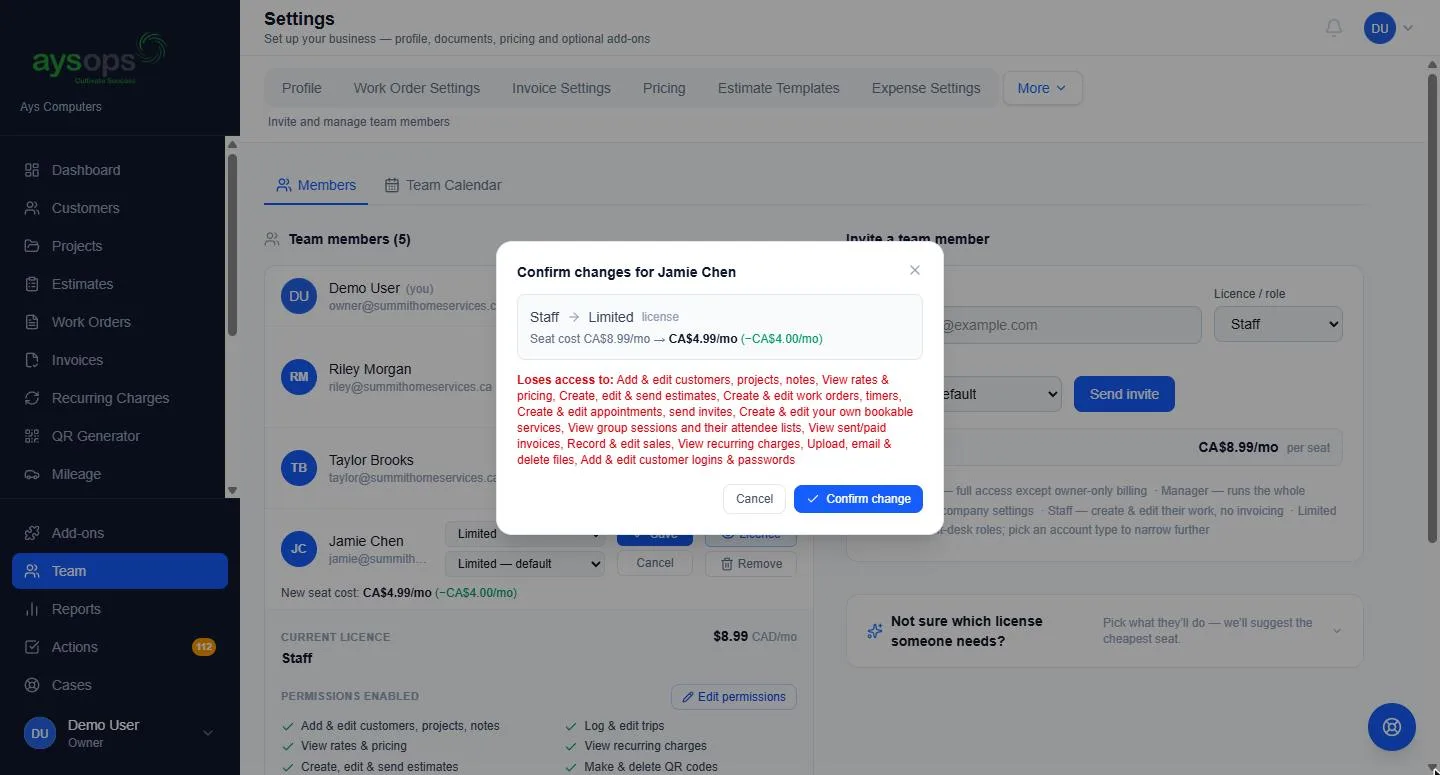
- Every account type within a tier costs the same, so you pick the one that fits the job, not the price
- The License Helper — tick what someone must be able to do and it names the cheapest account type that covers it, and what to drop to reach a cheaper one
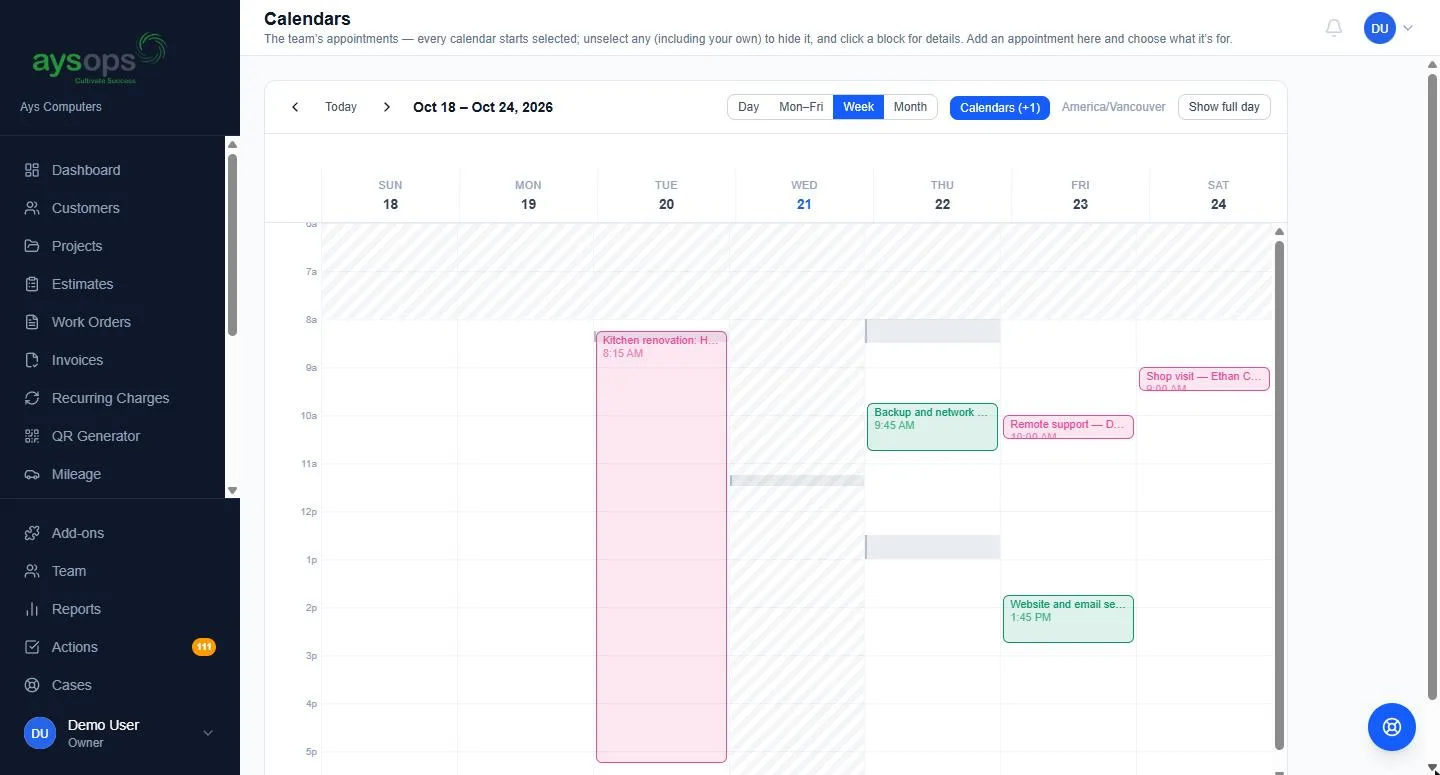
- Personal work stays personal — without the "see others' work" permissions, a colleague's appointments show only as a grey Busy block, and Expenses and Mileage show only that person's own entries. Each can be granted per person
- Assign to-dos and follow-ups to yourself, the whole team, or specific people
- Changing a licence shows the cost difference and exactly which permissions they gain and lose before you confirm
- Invite someone who already uses AysOps at another company — they join with their own role, and their company is unaffected
- With Password Vault: give one staff member access to customer passwords with a single switch
Seats bill per member on your existing subscription, prorated when you add or remove someone. The owner's seat is included in the base plan.
QuickBooks Sync
Stop typing everything twice.
- Connect once and import your existing QuickBooks setup — tax codes and rates, customers, vendors, items, company info
- From then on your invoices, payments, estimates and expenses push automatically every night, with direct sales, received commissions, refunds and lost card disputes
- Map a Stripe account and your Stripe payouts go over as transfers to your bank
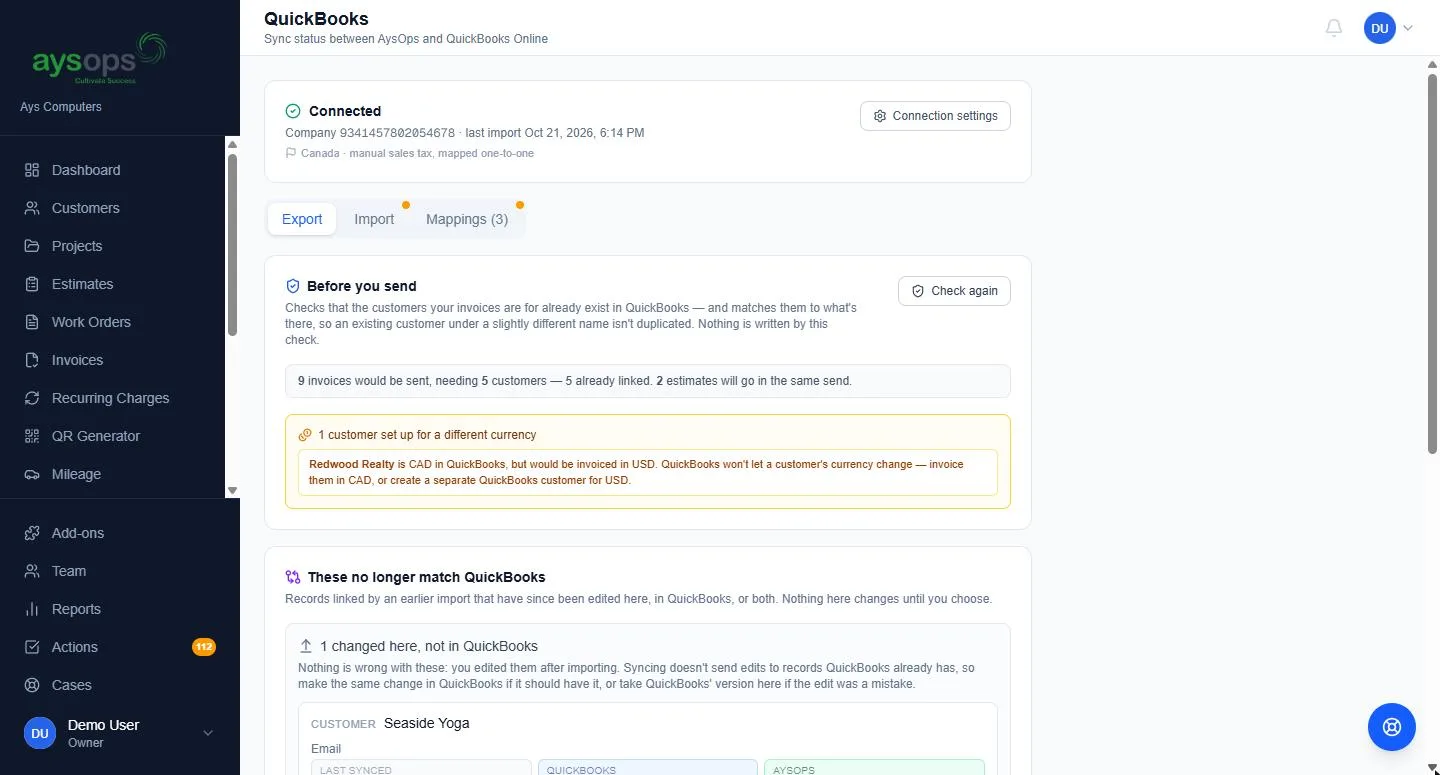
- Customers, vendors and items you create in AysOps are pushed out too, with a duplicate guard
- On a multicurrency company, new customers are created in the right currency
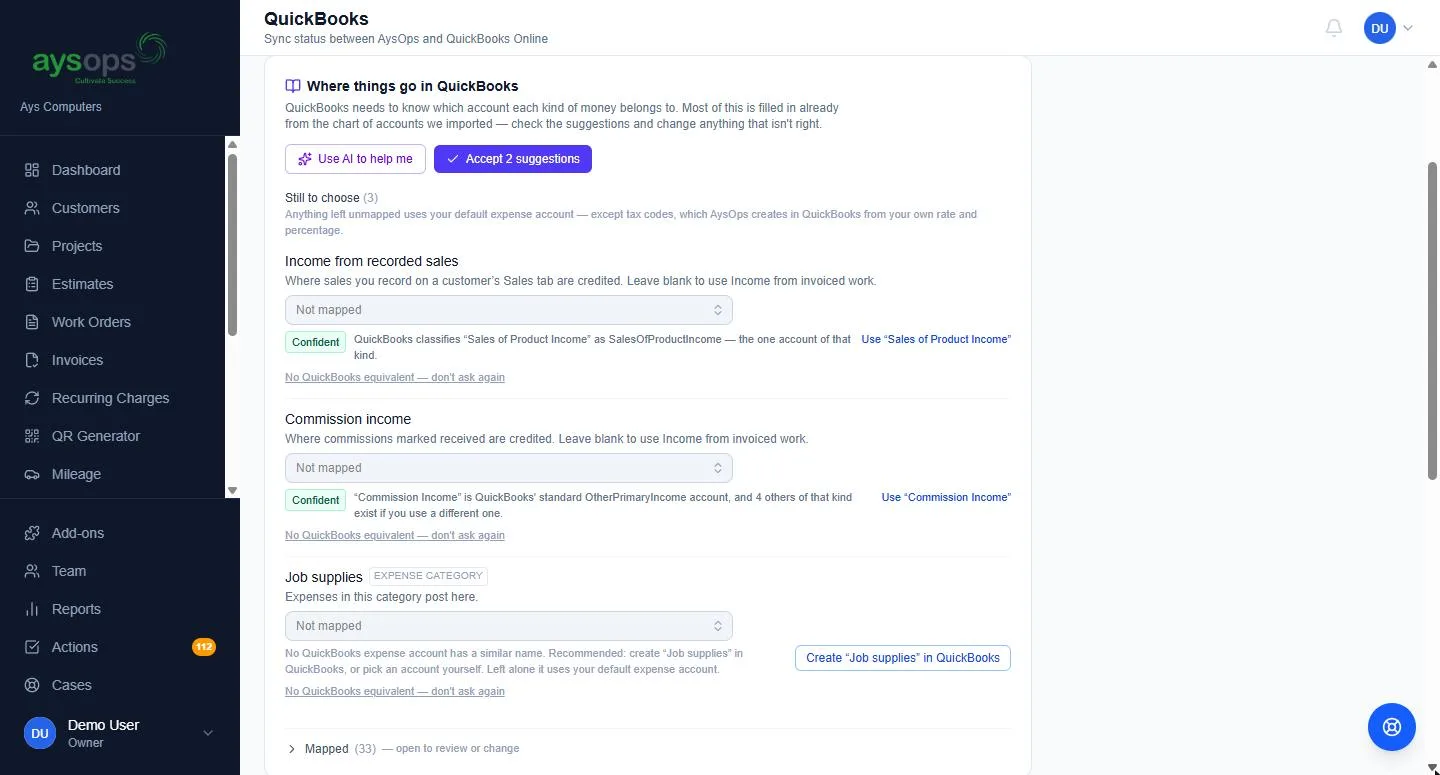
- Map your categories to QuickBooks accounts, and create a missing account from the mapping screen
- Records changed in QuickBooks after linking are flagged for you to decide, never overwritten silently
- Plain-English explanations of every tax code it imports, with an Add or Skip recommendation
- 10 manual sync runs a week for fixing anything QuickBooks rejects; problems show on your Actions list
Planned: a free read-only accountant seat for your bookkeeper.
Calendar Sync
Your AysOps appointments, in the calendar you already live in.
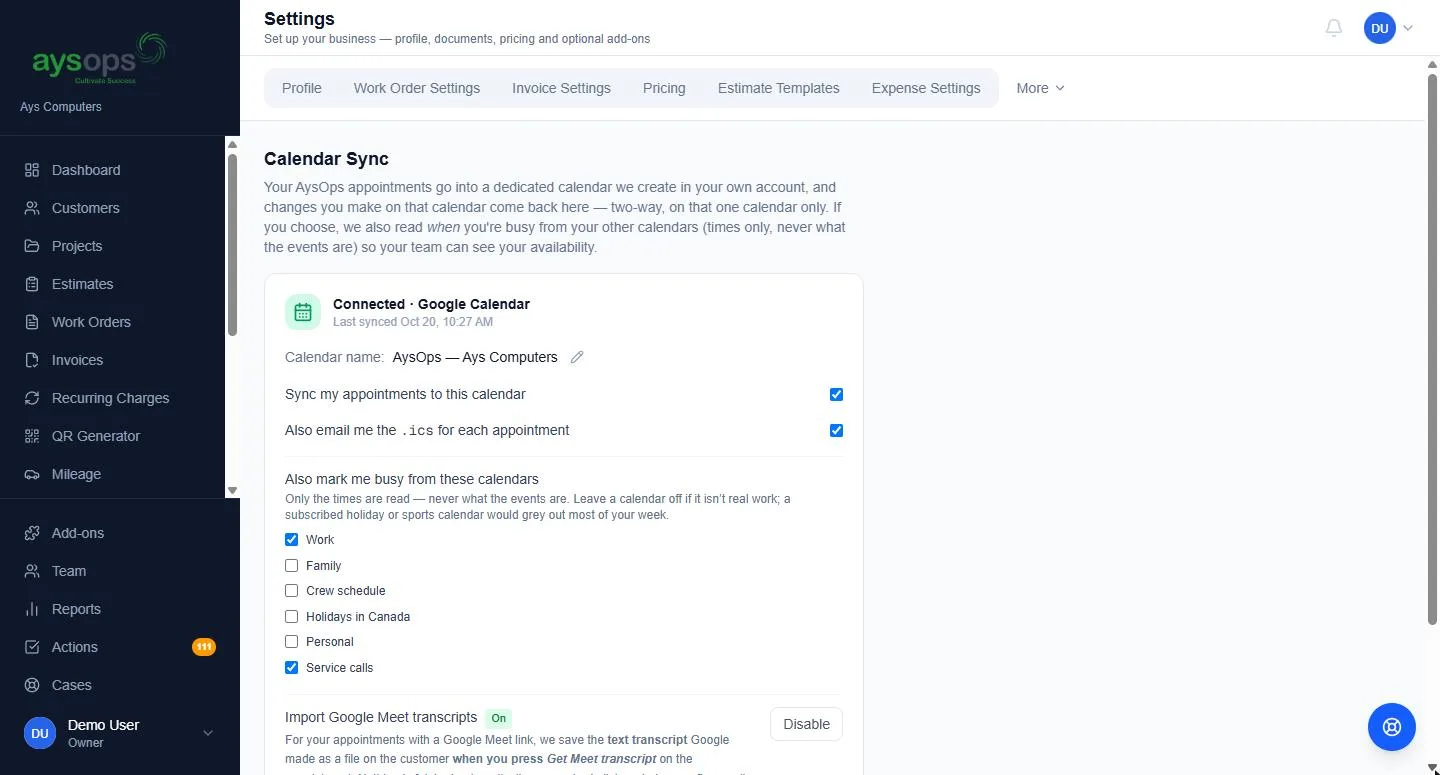
- Push appointments to Google Calendar, Microsoft 365 or Apple iCloud
- Two-way on the AysOps calendar — add or change an event there and it appears here, editable from either side. Only the calendar we create is read that way; your personal calendar is never read for content
- Edit the same appointment in both places and nothing is overwritten — it lands on your Actions list to sort out
- See who is free before booking — team members' busy times show as grey bands. Connecting shares only start and end times, never titles or details
- Pick which of your other calendars also count as busy, each a separate opt-in, brought in as soon as you tick it
- Delete an AysOps appointment in your own calendar and it lands on your Actions list — it never just disappears
- Appointments show in each person's own time zone
- A Team Calendar tab for owners: invite members to connect, and see who has not
Works with Google, Microsoft 365 and Apple iCloud only. If it does not work with yours, cancel within the 7-day trial.
Tracked QR Codes
Know which flyer is working, and change where it goes after it is printed.
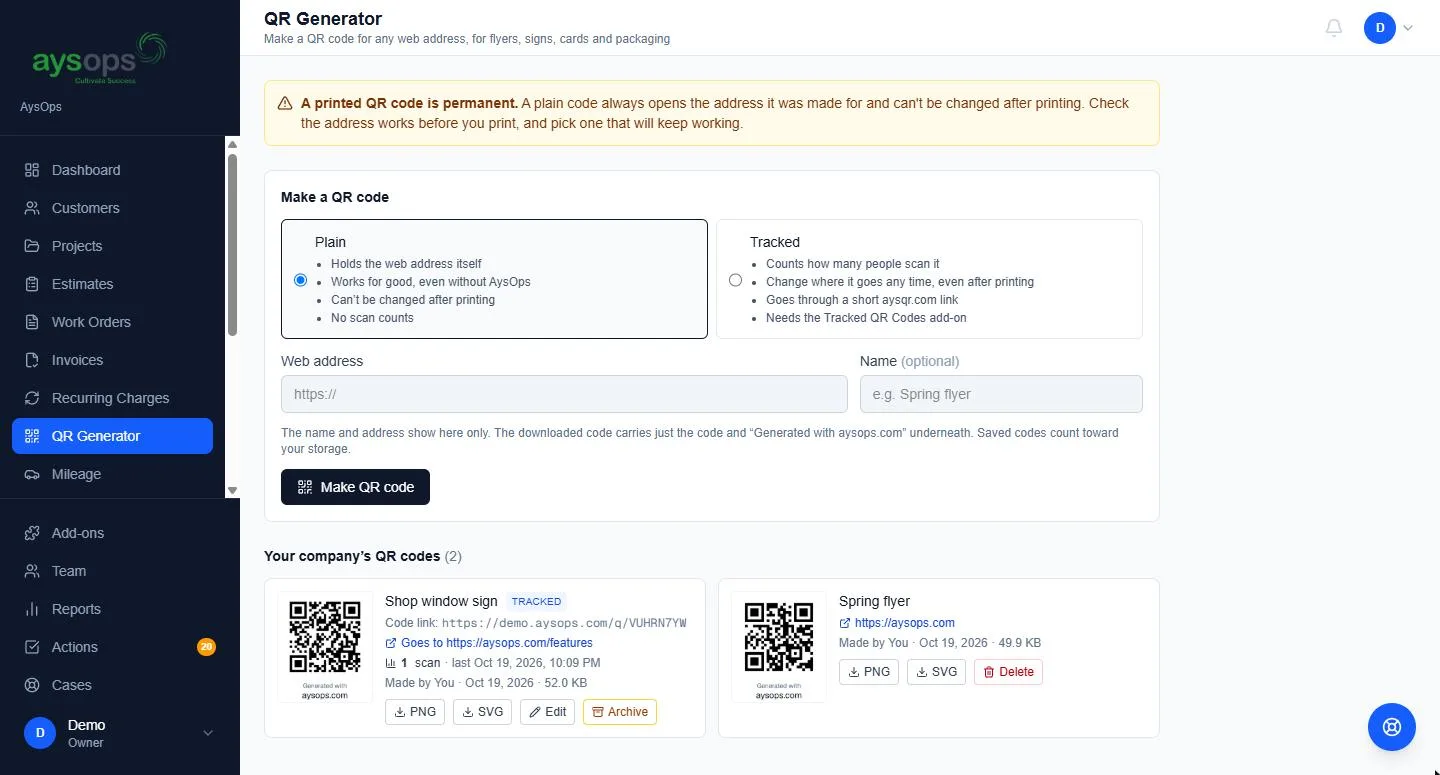
- QR codes from the QR Generator that count every scan, through a short aysqr.com link
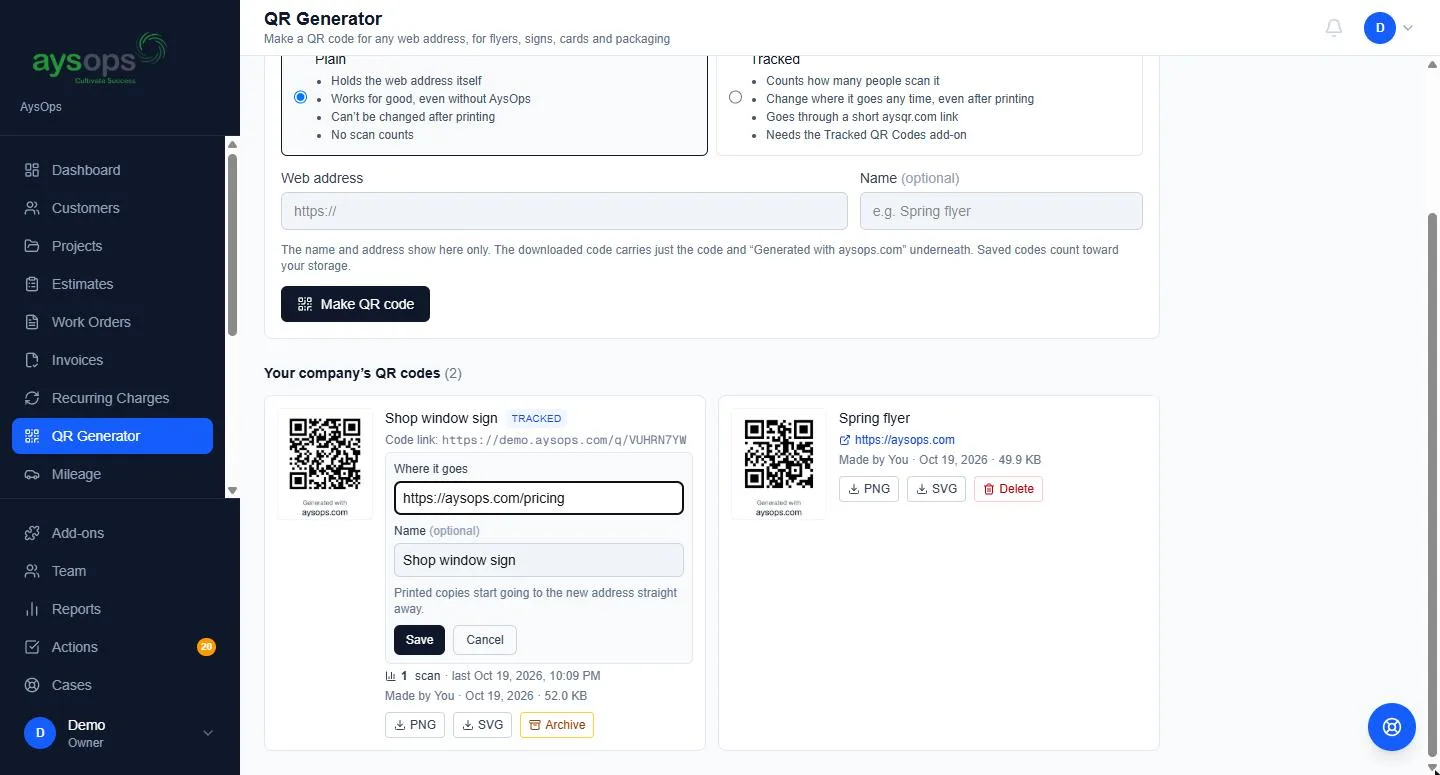
- Change where a code goes at any time, even after it is printed
- Each code's scans and when it was last scanned; nothing personal about the people scanning is kept
- Every destination is checked against Google's list of unsafe sites
- Archive a code to switch it off, and restore it any time
A tracked code works through AysOps, so it stops if it is archived or the company leaves — after a two-month grace period with a scan summary every two weeks. Plain QR codes from the included QR Generator keep working regardless.
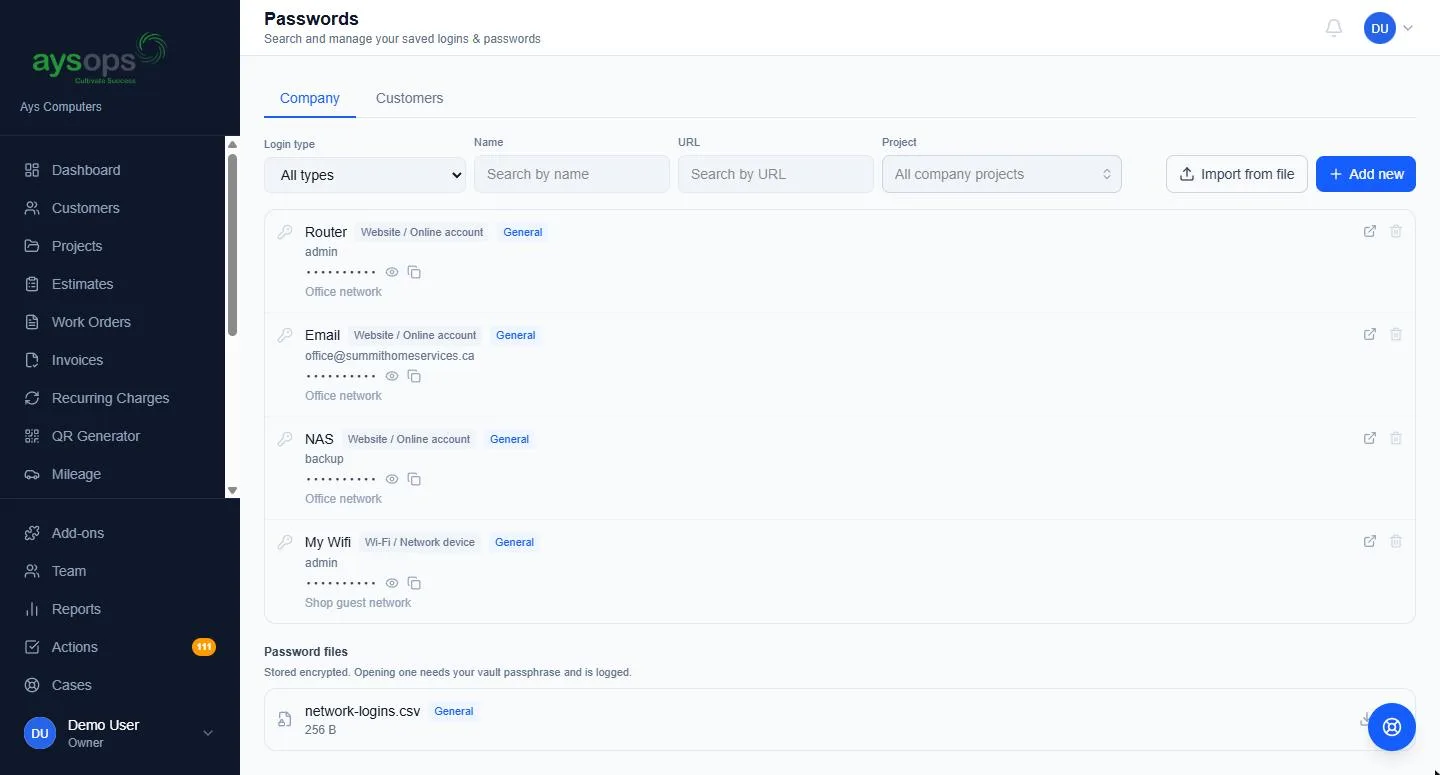
AysOps Password Vault
The logins a business depends on, in one encrypted place.
- Two separate vaults — your own business logins stay owner- and admin-only, while customer logins can be opened to a staff member when they need them
- File each credential against the customer, a project, or the business itself
- More than passwords: Wi-Fi and router logins, licence keys, PINs, recovery codes, secure notes
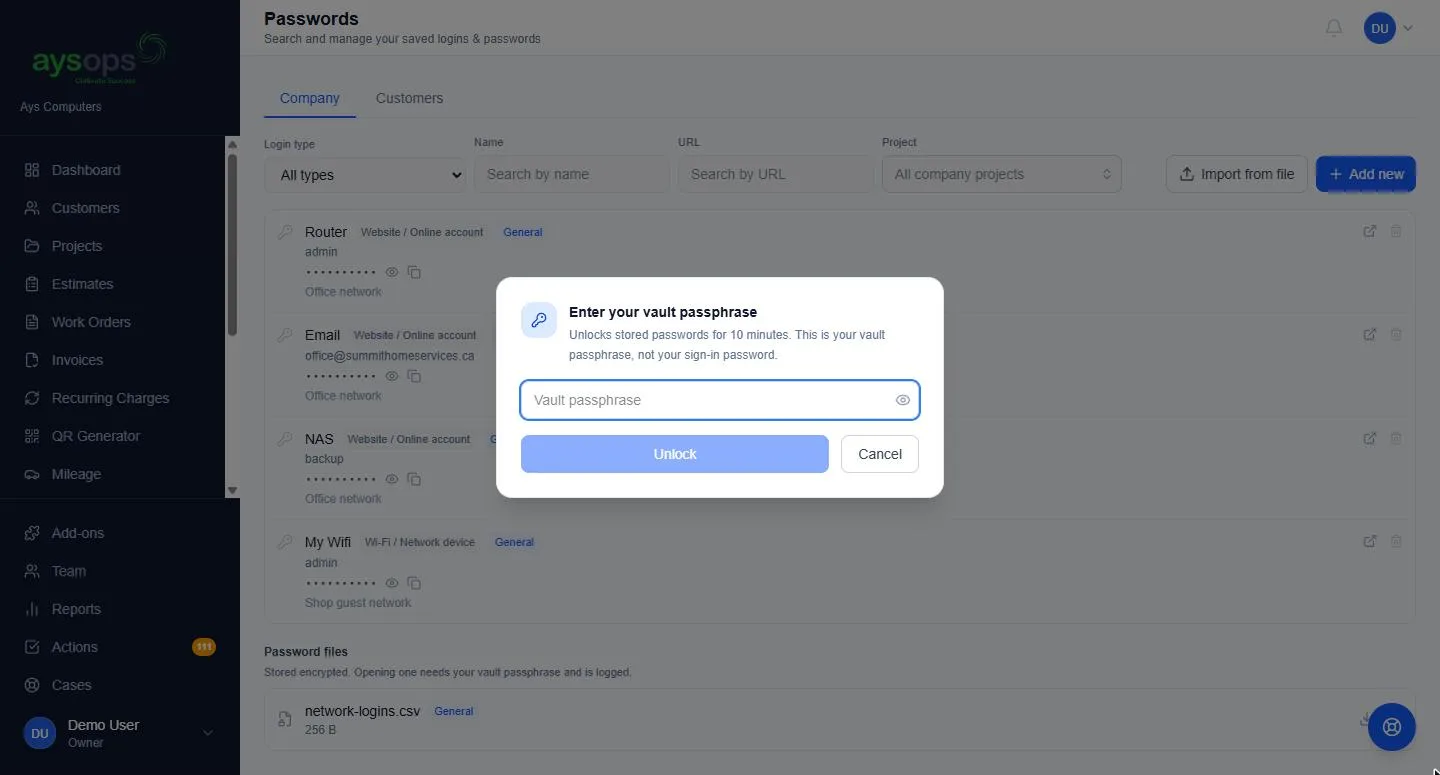
- Encrypted at rest (AES-256); revealing anything asks for your personal vault passphrase, and a forgotten passphrase can be reset without losing a single credential
- A built-in strong-password generator, and an access log of who viewed or changed what
- Import from another password manager's export file — never sent to AI
Extra Storage
More room when the included 2 GB isn't enough.
Per month, stackable on top of your included allowance, and billed from day one with no trial.
More add-ons
Start with the base plan
$19.99 USD$24.99 CAD/month, 90 days free, and add-ons only when you want them.